


Now I write this post for my readers who daily read my blog and want clear your doubts
about wi-fi hacking from android mobile. In this post, we briefly
describe you how you hack wi-fi network and crack the password of any wi-fi from android mobile.
about wi-fi hacking from android mobile. In this post, we briefly
describe you how you hack wi-fi network and crack the password of any wi-fi from android mobile.
What you really need for Hacking WiFi from Android Mobile
Most important thing ...!!!
➡️➡️➡️Android Phone with good Processor and RAM
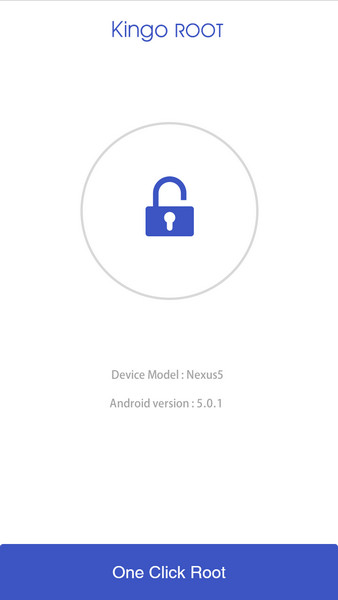
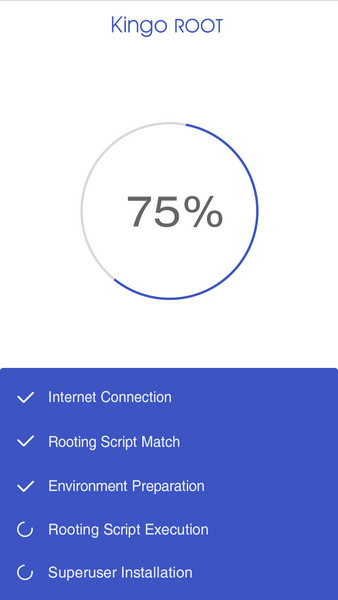
- Your Android Phone Must be Rooted (Rooting Guide and advantages of Rooting )
- Good WiFi network signal (which you want to hack)
There are many apps on Google Play for hacking WiFi from android mobile but, believe me, guys most of it is fake or pranks.
Hack WiFi Network and Crack WiFi Password from Android Mobile in Just Two Minutes
WPS Connect (Crack or Hack WiFi Password)
Many Guy says this is the fake app but hey guys this is not a fake app, this is working app for hacking wi-fi password from android mobile. You can hack WiFi network with this app, which hasWPS enabled in security.
If you found any wi-fi network in your Android mobile, which shows WPS security. You can easily connect with any WPS security wifi without given any type password. WPS Connect bypasses WPS security and gives you access to connect with wi-fi without typing any password.

REQUIRED TO BE ROOT !!!!
With this app, you’ll connect to WiFi networks which have WPS protocol enabled. This feature was only available in version 4.1.2 of Android.
App developed for educational purposes. I am not responsible for any misuse.
WPS: http://es.wikipedia.org/wiki/Wi-Fi_Protected_Setup
WPS Connect is focused on verifying if your router is vulnerable to a default PIN. Many routers that companies install own vulnerabilities in this aspect. With this application, you can check if your router is vulnerable or not and act accordingly.
Includes default PINs, as well as algorithms such Zhao Chesung (ComputePIN) or Stefan Viehböck (easyboxPIN).
With this app, you’ll connect to WiFi networks which have WPS protocol enabled. This feature was only available in version 4.1.2 of Android.
App developed for educational purposes. I am not responsible for any misuse.
WPS: http://es.wikipedia.org/wiki/Wi-Fi_Protected_Setup
WPS Connect is focused on verifying if your router is vulnerable to a default PIN. Many routers that companies install own vulnerabilities in this aspect. With this application, you can check if your router is vulnerable or not and act accordingly.
Includes default PINs, as well as algorithms such Zhao Chesung (ComputePIN) or Stefan Viehböck (easyboxPIN).
WiFi Kill (Disable Other User WiFi Connection)
WiFi Kill disables other user wifi connection, and you can loot whole wifi internet speed in your android mobile. If you experience slow wifi internet speed in your Android mobile because of a too many users on same wifi network. Download WiFi kill and Kick off another wifi user from your wifi network.
ZAnti (Penetration Testing Android App)
ZAnti is also capable of hacking wi-fi network password from android mobile. This app is made for checking the security of your wi-fi network. With this app, you can disable other wi-fi connection like wifi kill.ZAnti is like a hacking mobile toolkit for hackers. If you want a hacking android app that can hack other user wifi network and you can do everything you want.
ZAnti
With this app, you can hack
- Change Google Result on whole wifi
- Change Website Images on Whole WiFi
- Check other user mac address or IP address
- Session Hijacking on Network
- Many More things.
WIFI WPS WPA TESTER(Hack Wifi from android mobile without Rooting)
Hack WiFi Password from android mobile without rooting your Android phone with WiFi WPS WPA Tester App.
WPS Connect app hack only WPS routers with limited features. But this is an advanced app for hacking wifi password from android mobile. Make sure your phone is rooted. You can check the wireless security of your routers from this Android app. If your router is not secure this wifi hacking android app easily bypass wifi password from android mobile and connect with android mobile to router directly without need any type of password.
The algorithm of wps default (zaochensung) SOME of the routers, you can receive the WPA WPA2 WEP set to the router.
The algorithm of wps default (zaochensung) SOME of the routers, you can receive the WPA WPA2 WEP set to the router.
This wifi hacking Android apps works in rooted and without rooted android mobile. So you can easily hack wifi password from your android phone without rooting your android phone with this app.

Note: Use these apps only for educational purpose. Never Harm other people or wifi network from this wifi hacking Android apps.
Other tips :-
You can also use AndroDumpper for this as shown in the video below

You can also use AndroDumpper for this as shown in the video below
If you have any doubt, comment below. Sure we will try to help you. Share this post on Facebook and Twitter and let know the world how they hack wifi from android mobile.
(All credits goes to prophethacker.com)





 Posts
Posts


